
Best Note-Taking Apps for Students

Founder and CEO, The Drive AI
Students take notes in lectures, from readings, by hand and by voice, and then need to find them again before the exam. Note-taking apps now add AI for summaries, transcription and search, but they differ in what they're built around. Here are 10 note-taking apps for students, what each is best for, and what its AI actually does. Features are as described on each vendor's own site as of October 2026. For tools beyond notes, see the productivity apps for students roundup.
1. The Drive AI
Best for: Keeping notes, readings and course files in one place you can ask questions of
The Drive AI is a file workspace with an AI agent that reads your files. Your notes sit next to the PDFs, slides and recordings they came from, and you ask the agent about all of them in plain English.
Key Features:
- Notes: Write notes inside The Drive AI with headings, lists, tables, images and drawings. Changes save as you type, and classmates you share a note with see edits live.
- AI Summaries: Open a reading or a note and ask the agent to summarize it, explain a concept, or turn a folder of readings into a study guide.
- Search by Meaning: Ask "Where are my notes on cell respiration?" and the agent finds them by what they're about, not just the file name. See AI search.
- Organizing on Request: Ask the agent to "sort these by course and week" or right-click a folder and choose Organize this folder. It shows the changes before they happen, and you can undo them.
Why Students Use It:
- Assignments, readings and class notes live in one workspace instead of several apps.
- Share a folder with classmates by email for group projects.
- Web, desktop and mobile apps; the mobile app scans paper handouts into PDFs.
2. Notion AI
Best for: Project management and integrated note-taking
Notion combines note-taking with databases and project pages. Notion AI can draft and improve writing inside a page and produce summaries and reports. The Free plan includes only a trial of Notion AI.
3. Evernote with AI
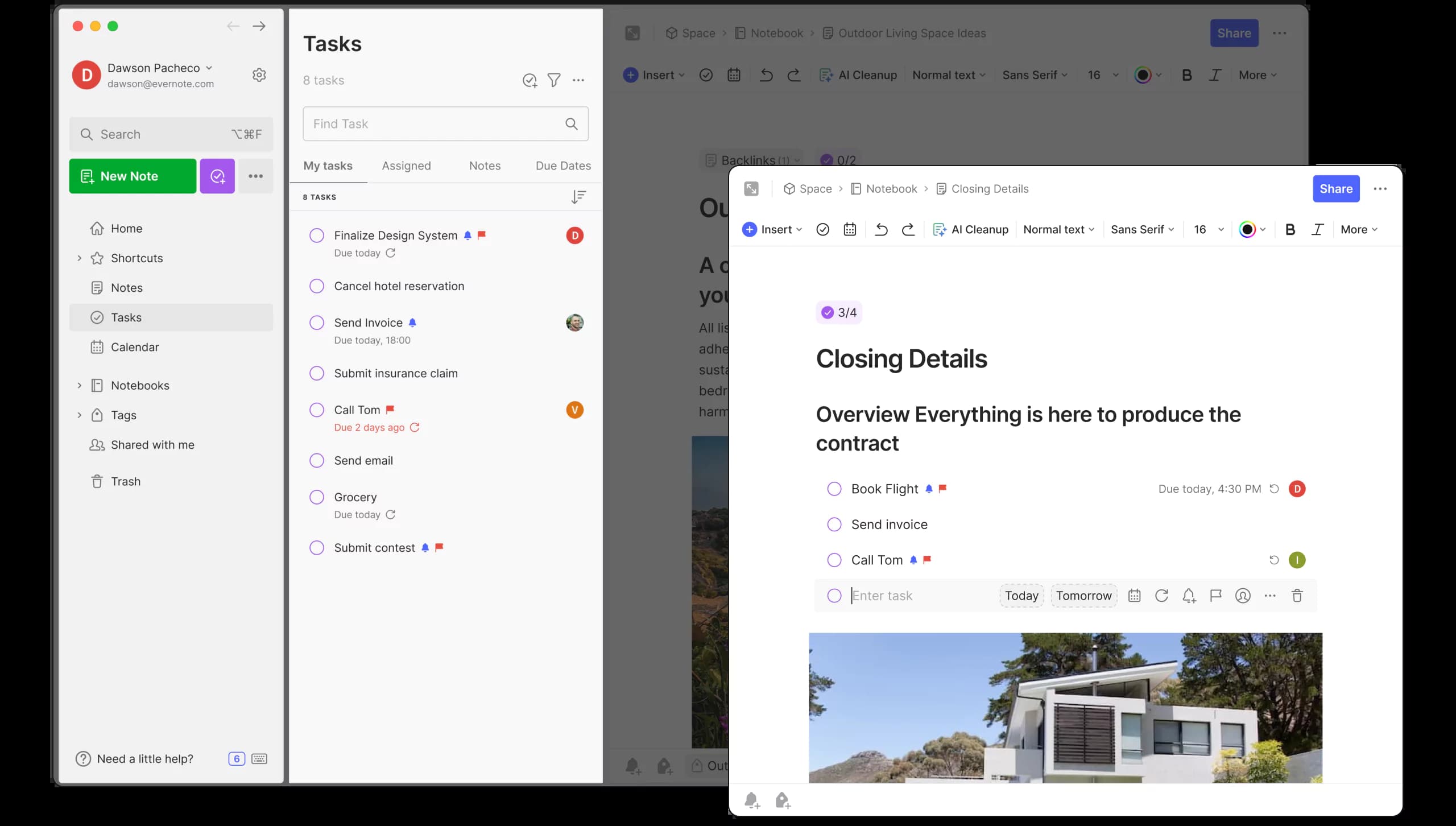
Best for: Organizing extensive information
Evernote is built for capturing large volumes of notes and references, with advanced search. Its AI tools include transcription, a meeting note taker and AI rewriting.
4. Obsidian
Best for: Privacy-focused, offline note-taking
Obsidian stores your notes on your own device as plain Markdown files, so they work offline and stay private. It has no built-in AI; students who want AI summaries or linking add it through community plugins. It suits students building a long-term knowledge base.
5. Otter.ai
Best for: Transcribing lectures
Otter.ai transcribes speech live as it's spoken and identifies speakers. It captures lectures and study sessions and turns them into searchable notes and summaries.
6. Mem
Best for: Automatic organization and context-aware notes
Mem is an AI note app that keeps notes, meetings and ideas organized and connected, so you can capture things without stopping to file them. It also has a calendar feature.
7. Microsoft OneNote
Best for: Integration with Microsoft tools
OneNote is free on the web and suits students already using Microsoft 365. In the desktop app, Ink to Text converts handwriting written with a pen into typed text. It isn't available in OneNote for the web or for Mac.
8. Notability
Best for: Handwritten notes and recorded lectures
Notability is built for handwritten notes. You can record audio while you write, with live transcription and summaries of the recording, and import documents to annotate.
9. Grammarly
Best for: Writing assistance
Grammarly helps students polish notes, essays and reports with proofreading and a paraphraser that adjusts tone. Its AI assistant, Go, works across apps through the browser extension.
10. Agenda
Best for: Time-based organization
Agenda puts notes on a timeline: you attach dates to notes and link them to calendar events, which suits planning study sessions. Its Ask Agenda feature answers plain-language questions about your notes and runs on your device.
Conclusion
The right app depends on how you take notes. Pick Notability or OneNote if you write by hand, Otter.ai if you mostly record lectures, Obsidian if you want local files, and Notion if your notes double as project plans. If your notes need to live next to the readings, slides and recordings they came from, and you want to ask questions across all of it, try The Drive AI free.
Share it with your network